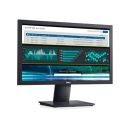
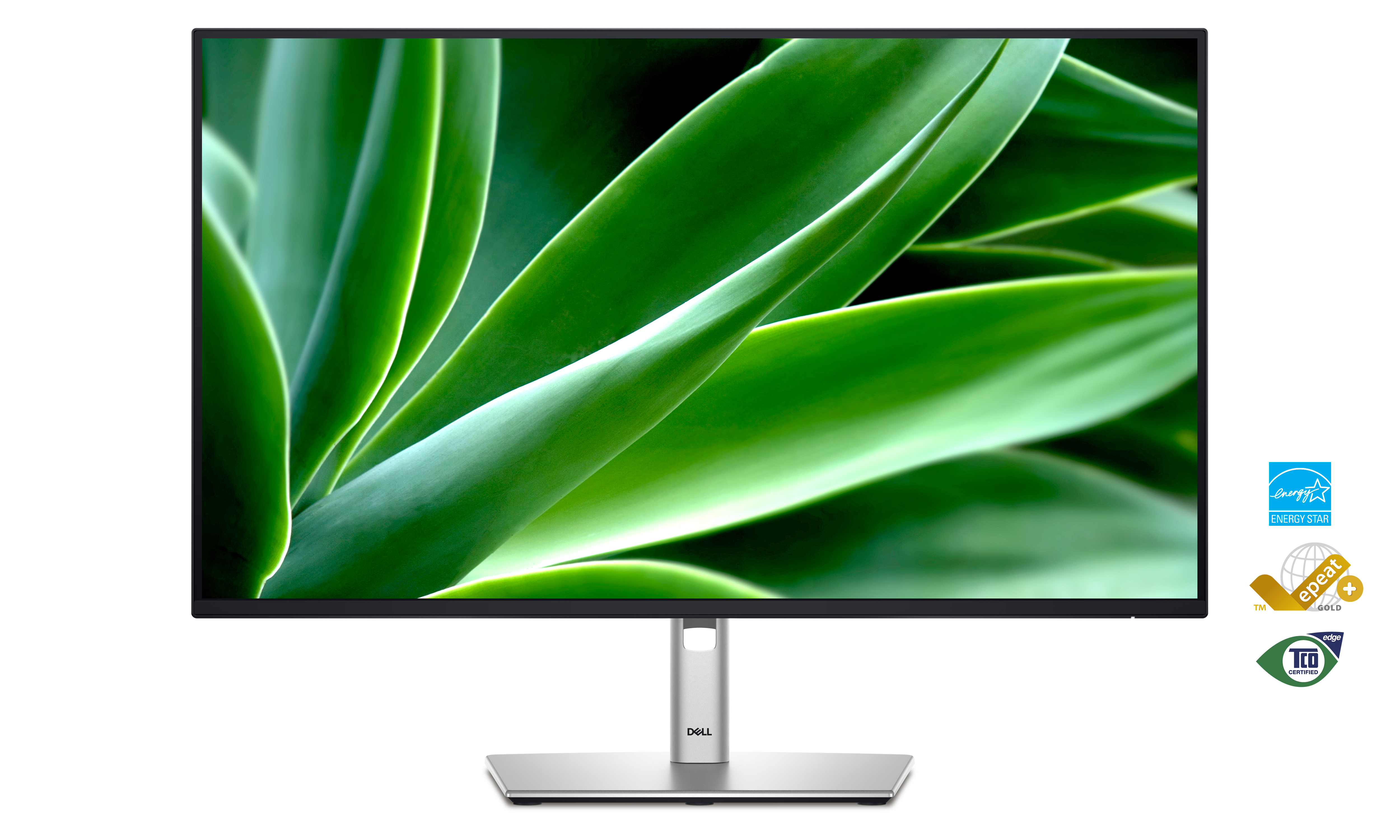
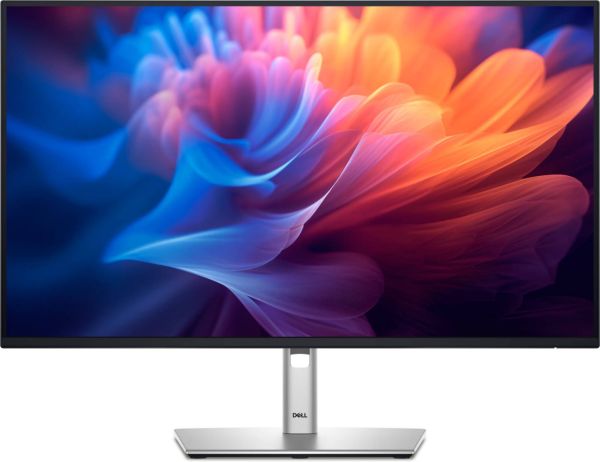
Dell P2725H 27" 16:9 1920x1080P IPS monitor, 300cd/m2, 5ms (GTG), 1000:1, HDMI, DP, VGA, USB, Tilt, Swivel, Pivot, Height adjustable
SKU
210-BMG
AED 525.00
In stock
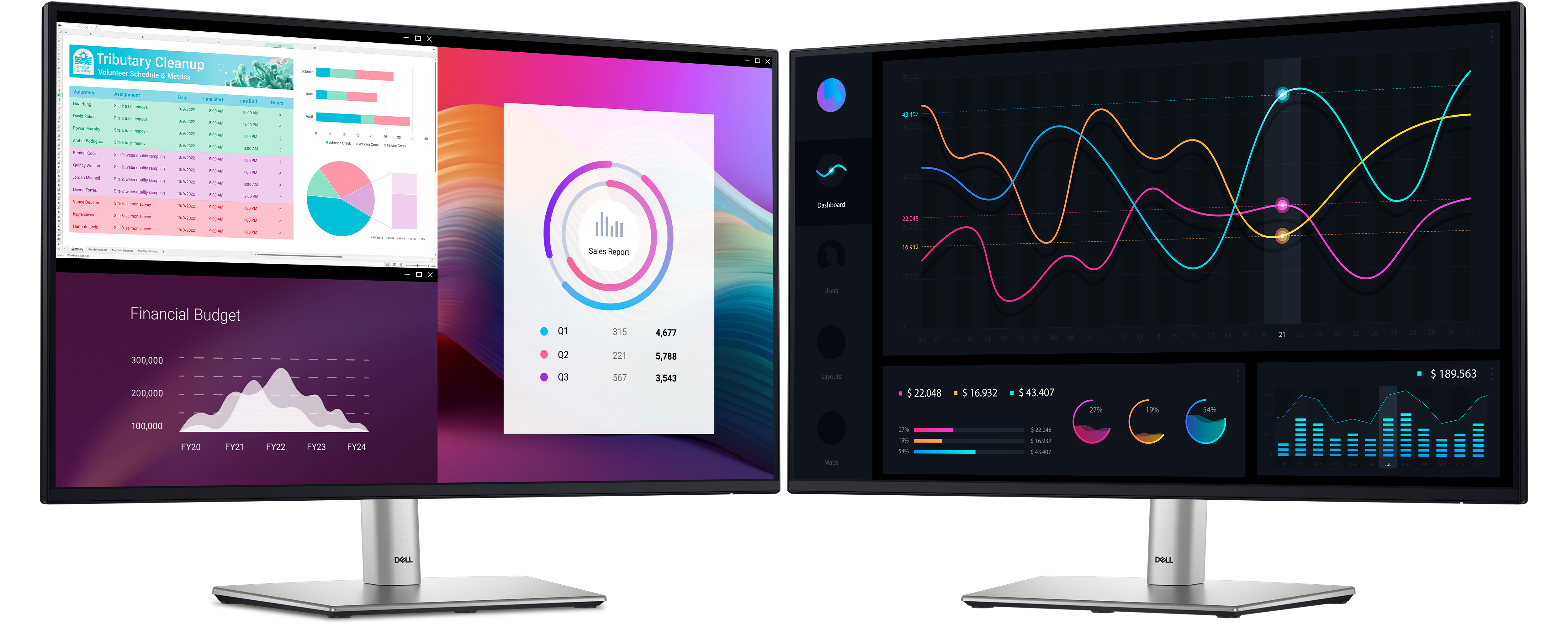
Optimize your workspace with this efficient 27" monitor built with an ultrathin bezel design, a small footprint and comfort-enhancing features.
Categories: Monitors, Non Touch Monitors
Free Delivery
For all oders over AED 500.00
Easy Return*
Secure Payment
100% secure payment
Dedicated support
Special Offers
AOC E2070SWN 19.5-Inch LED Monitor
Special Price
AED 140.00
was
AED 200.00
Dell Pro Tower QCT1250 (Replacement for Dell 7020 Tower) i7-14700 8GB 512GB DOS
Special Price
AED 2,940.00
was
AED 3,500.00
Lenovo D19-10 18.5 inch HD LED Backlit Monitor
Special Price
AED 190.00
was
AED 300.00
Dell Pro Tower QCT1250 (Replacement for Dell 7020 Tower) i3-14100 8GB 512GB DOS
Special Price
AED 1,900.00
was
AED 2,500.00
Dell LED E1916HV Black 18.5" HD TN Monitor, 1366 x 768, 600:1, 200cd/m2, D-Sub, VESA Mountable
Special Price
AED 500.00
was
AED 510.00
Dell Optiplex 7450 AIO, Intel Core i5-7500, 8GB, 750GB, WINDOWS 10 Pro ( Recertified)
Special Price
AED 1,590.00
was
AED 1,600.00
Work in clear details
See more on this ultra-thin bezel monitor.
Color consistency
Vibrant colors across wide viewing angles enabled by In-Plane Switching (IPS) technology.
1500:1 contrast ratio
For deeper blacks and brighter whites.
Accessibility: Dell Technologies is committed to diversity, and we are continually improving the user experience for everyone. In our ongoing efforts to strive for digital accessibility, this monitor meets Section 47 CFR 79.107 of the 21st Century Communications and Video Accessibility Act (CVAA) with the support of a Dell Monitor Text to Speech User Interface Module - TS23*. Select on-screen text menus and commands, displayed via the On-Screen Menu function, will be narrated using text-to-speech synthesis to aid accessibility of the visually impaired. Read more about our commitment to enabling digital accessibility for people with disabilities here.
*Please contact your Dell representative for product details and/or ordering process of the monitor and interface module.
Connect to productivity
Connect your accessories with a wide variety of ports.
Extensive connectivity
Wide variety of ports for all your accessories.
Quick Access USB Ports
Including a USB-C downstream that delivers up to 15W of power.
Mounting compatibility
VESA compatible accessories and soundbar.
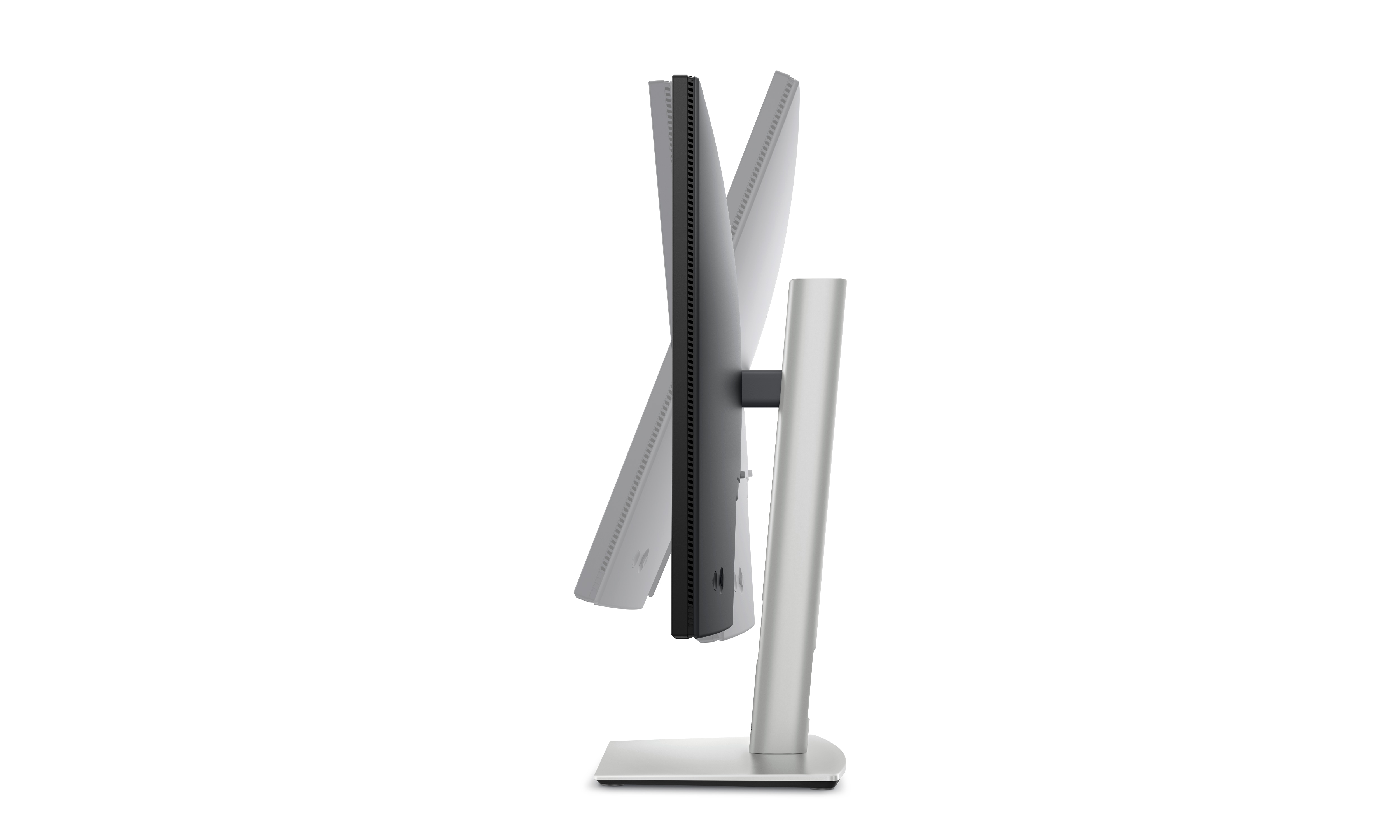
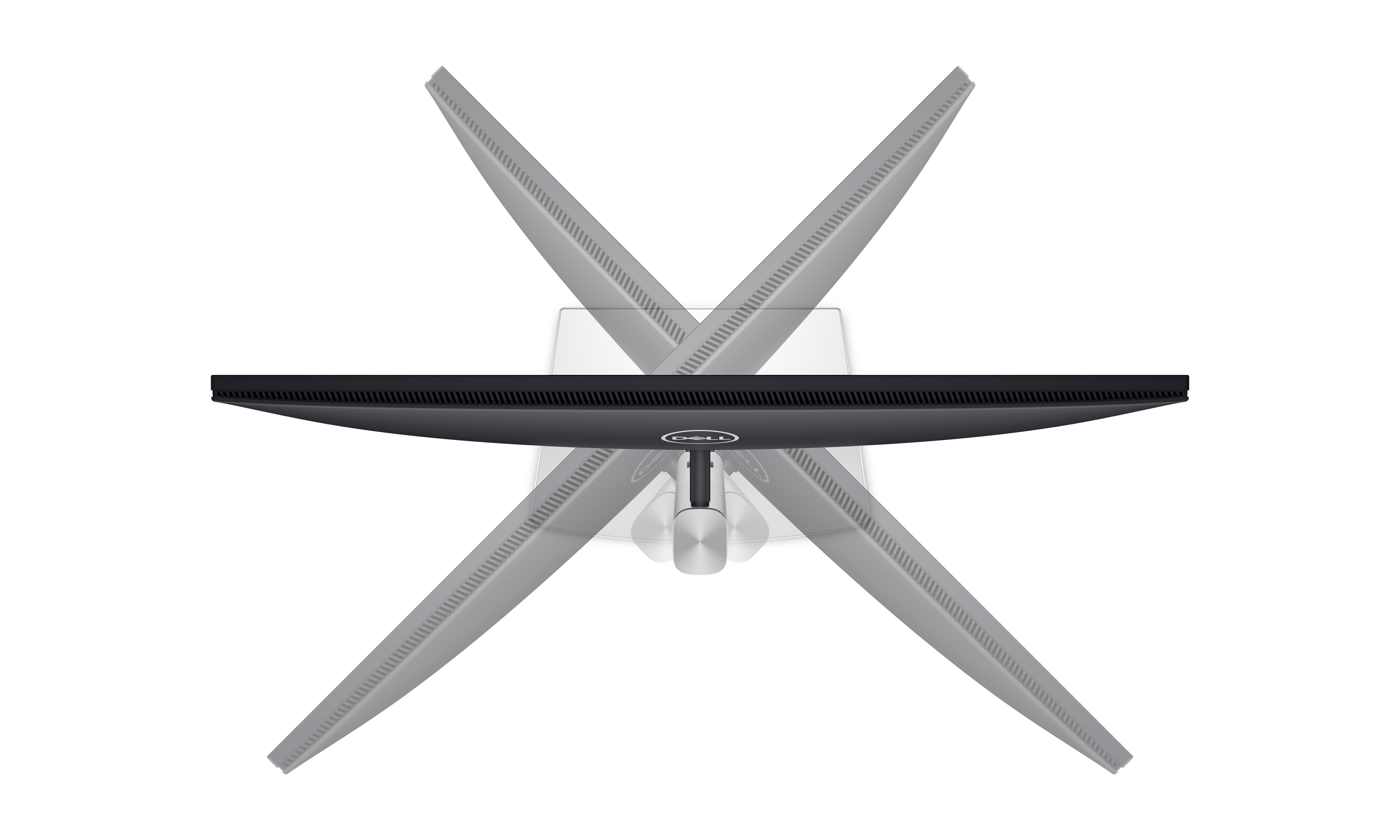
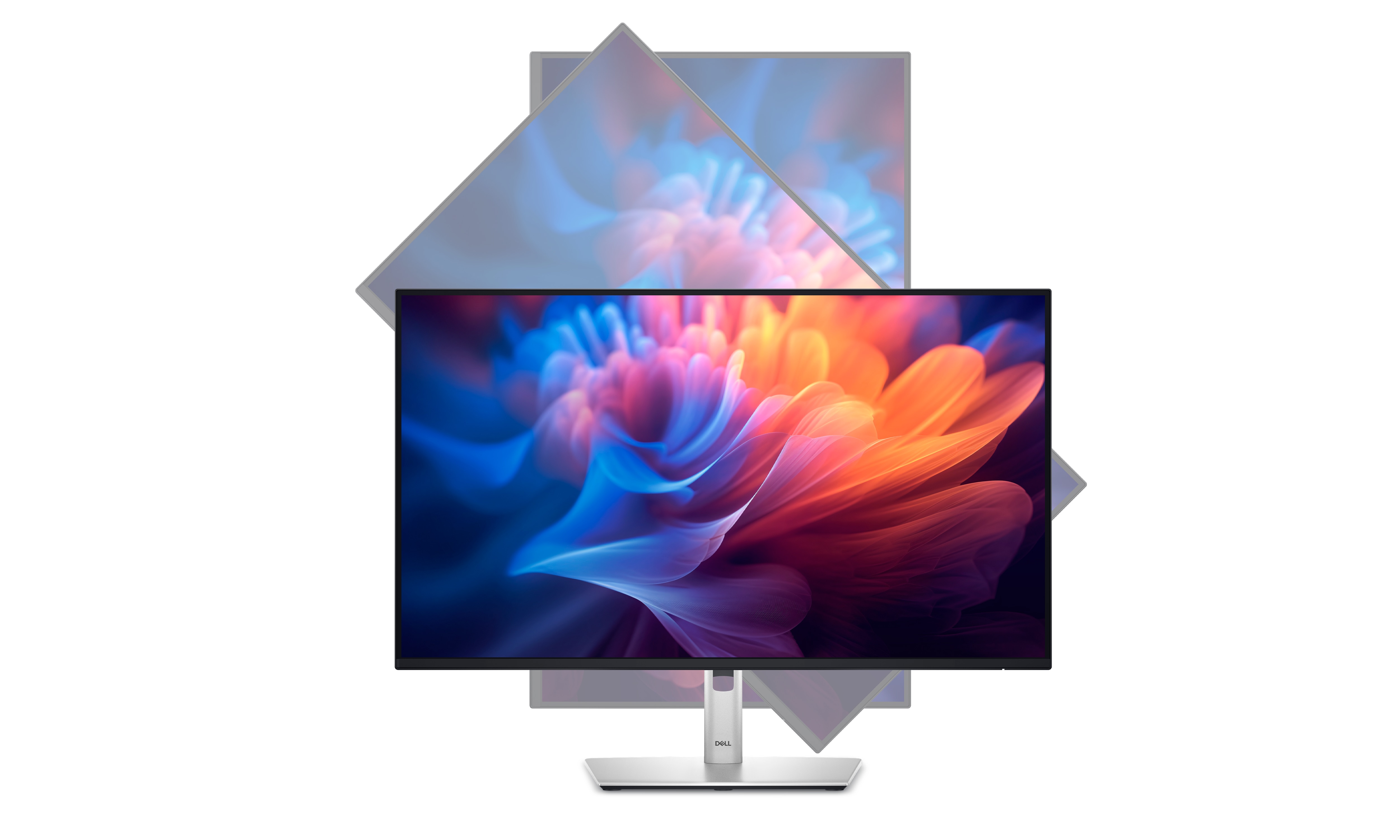
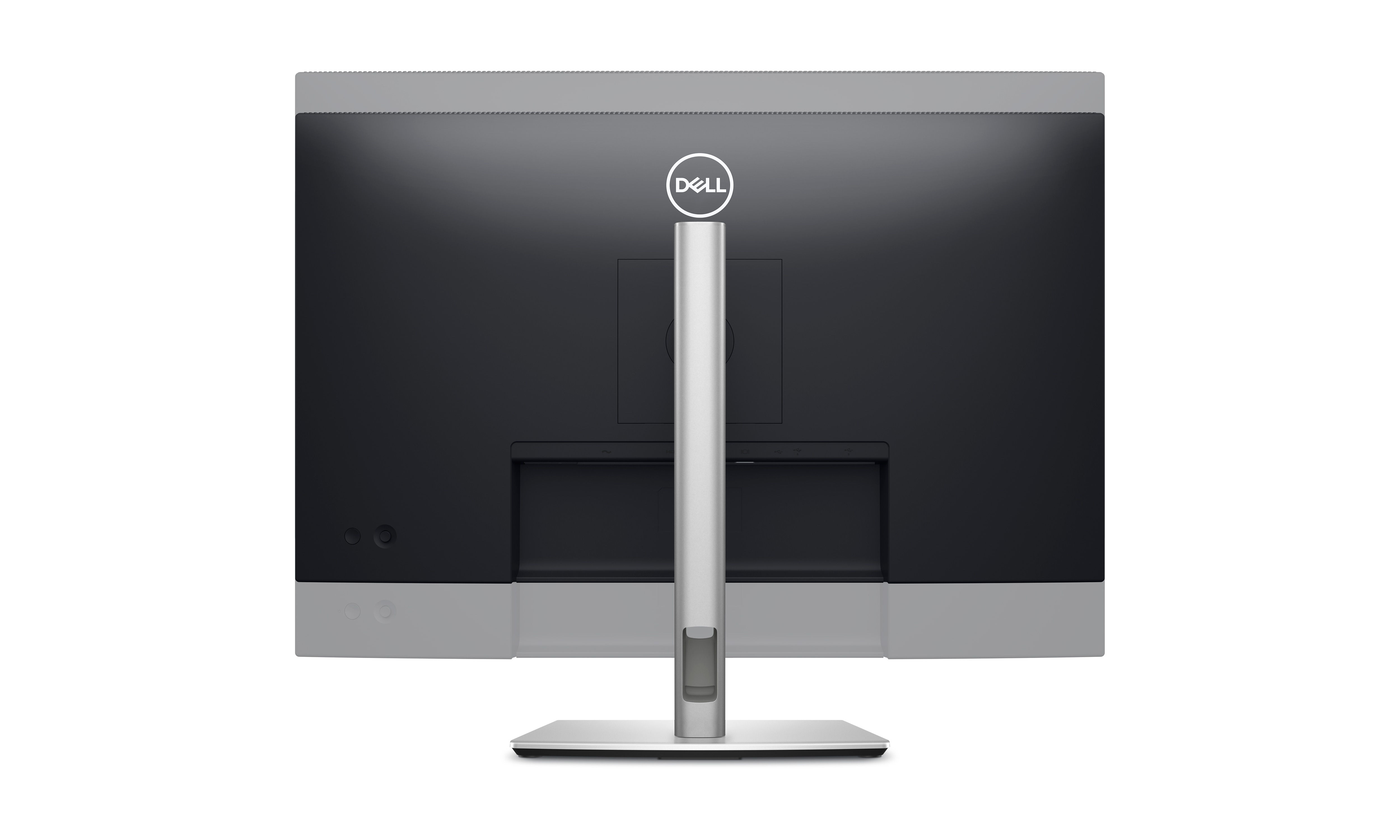
Designed for comfort
Adjustability to meet your preferences throughout the day.
Tilt
Adjustment from -5o / +21o.
Swivel
Bi-directional adjustment up to 45o.
Pivot
Bi-directional adjustment up to 90o.
Height
Adjustability up to 150mm.
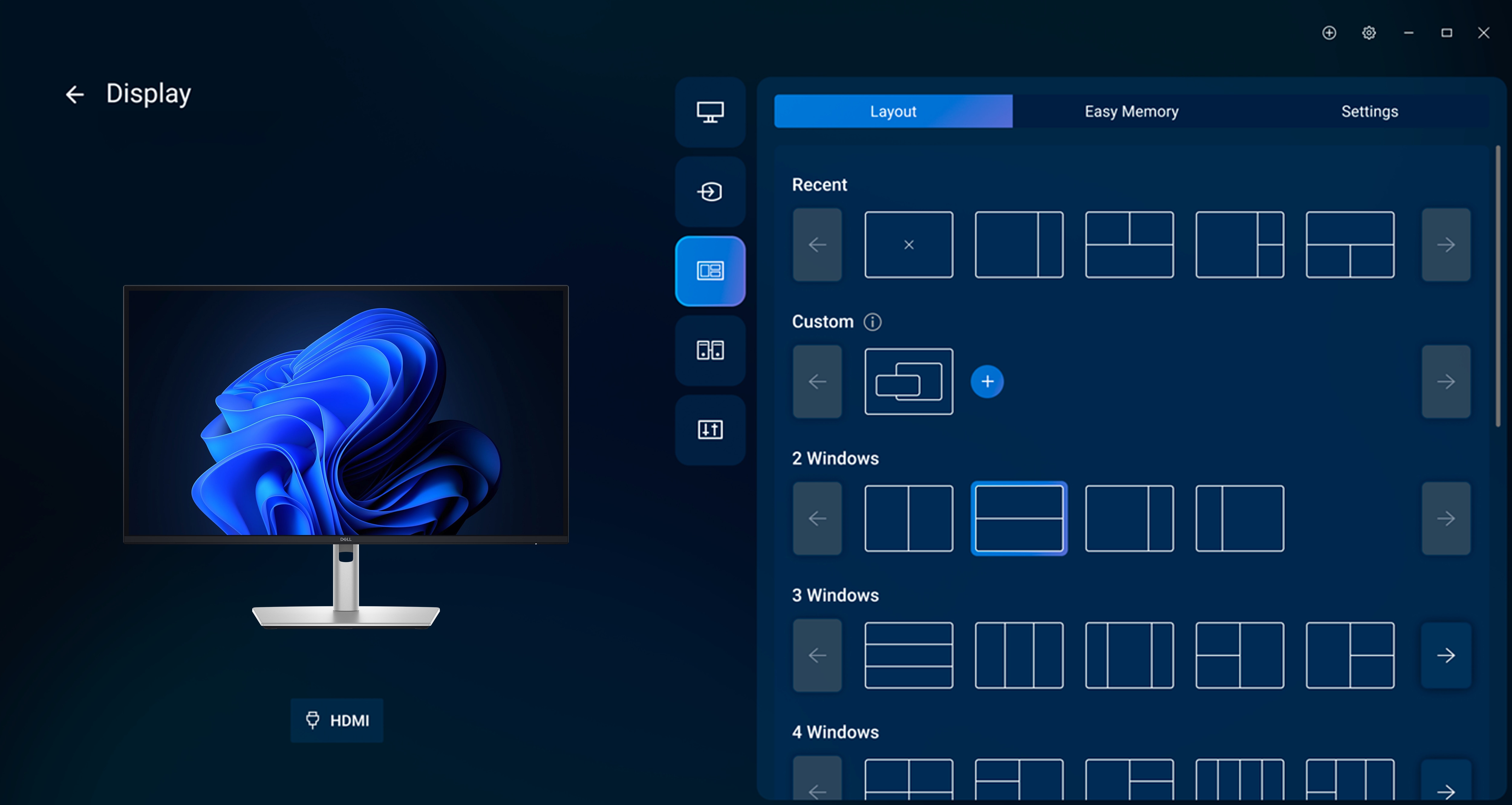
Dell Display and Peripheral Manager
Experience Dell’s singular, innovative application to optimize the performance of your entire Dell PC workspace[2].
Maximize productivity
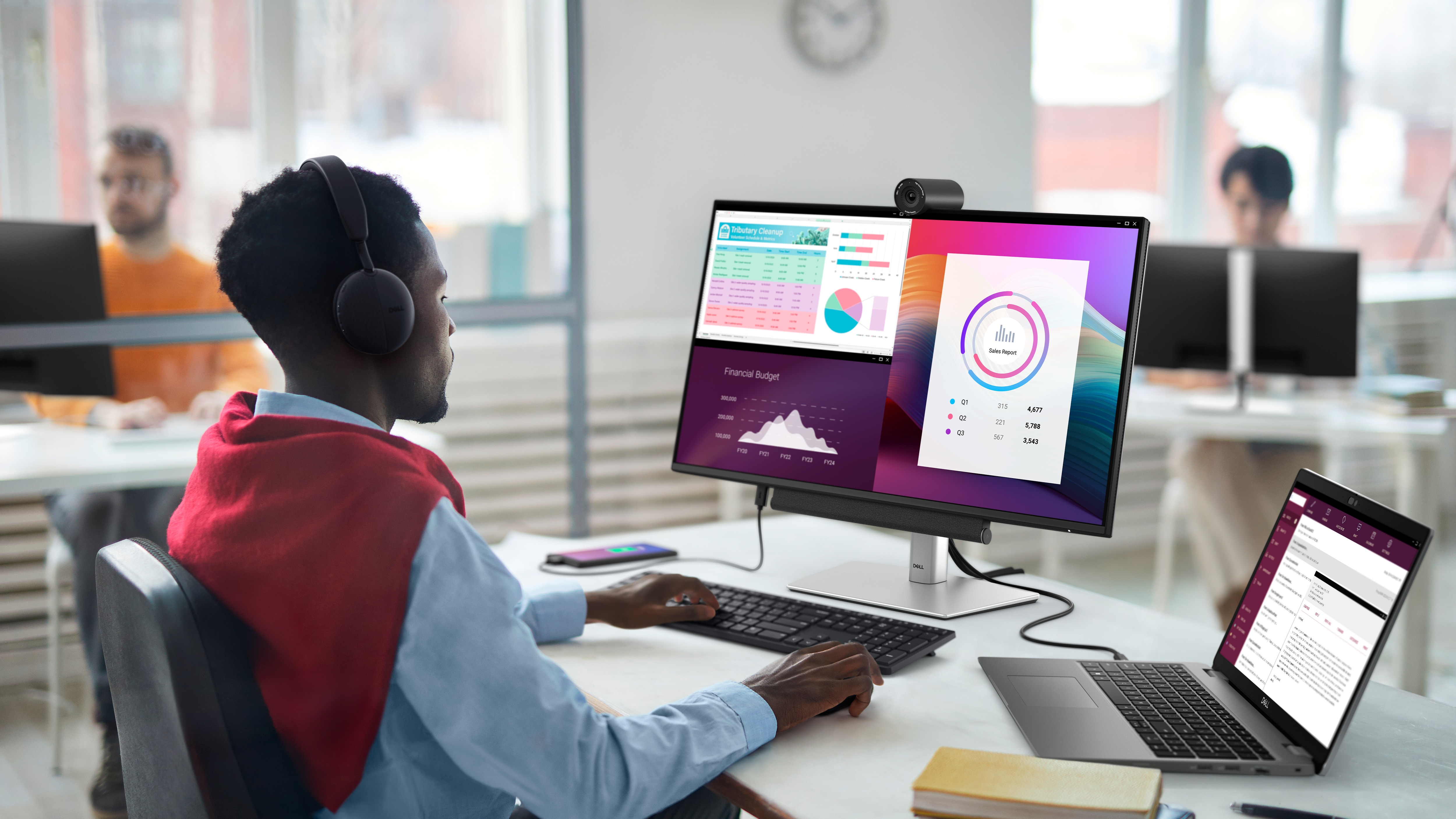
Easy Arrange tiles apps across screens with pre-set partitions and customizes up to five windows, enhancing multitasking. Easy Arrange Memory saves and restores app profiles manually, on schedule, or at start-up.
Customize your views
Work comfortably, day or night. Automate your brightness and contrast settings to match your schedule.
More manageable
Save time and boost IT efficiency with the Dell Device Management Console to manage your Dell peripheral fleet at scale, from a single cloud-based console. Discover expanded Command Line Interface features from Dell Display and Peripheral Manager[3].
Learn more about Dell Display and Peripheral Manager
Disclaimer: Screen image simulated for illustrative purposes only. Monitor model may vary.
Easy Arrange tiles apps across screens with pre-set partitions and customizes up to five windows, enhancing multitasking. Easy Arrange Memory saves and restores app profiles manually, on schedule, or at start-up.
Customize your views
Work comfortably, day or night. Automate your brightness and contrast settings to match your schedule.
More manageable
Save time and boost IT efficiency with the Dell Device Management Console to manage your Dell peripheral fleet at scale, from a single cloud-based console. Discover expanded Command Line Interface features from Dell Display and Peripheral Manager[3].
Learn more about Dell Display and Peripheral Manager
Disclaimer: Screen image simulated for illustrative purposes only. Monitor model may vary.
Environmentally forward thinking
Design innovation
This monitor has been thoughtfully crafted with sustainable materials including 85% recycled plastics[4] with post-consumer recycled plastic and closed-loop ITE-derived plastic, 50% recycled steel[5], 100% recycled aluminum[6] and at least 20% recycled glass[7].
Low-impact packaging
This monitor ships with reduced plastic[8] and is in a box made with 100% renewable materials that is recyclable[9]. Dell is shifting to a cushioning solution derived entirely from fiber that is kinder to the environment[10].
Energy conservation
Using PowerNap mode in Dell Display Manager lowers energy use by up to 14.8%[11].
Excellence in environmental standards
This monitor is certified ENERGY STAR® 8.0, carries the TCO Certified Edge designation, and is registered EPEAT Gold with Climate+[12]. With Climate+, this monitor has met Dell's best practices around decarbonization.
This monitor has been thoughtfully crafted with sustainable materials including 85% recycled plastics[4] with post-consumer recycled plastic and closed-loop ITE-derived plastic, 50% recycled steel[5], 100% recycled aluminum[6] and at least 20% recycled glass[7].
Low-impact packaging
This monitor ships with reduced plastic[8] and is in a box made with 100% renewable materials that is recyclable[9]. Dell is shifting to a cushioning solution derived entirely from fiber that is kinder to the environment[10].
Energy conservation
Using PowerNap mode in Dell Display Manager lowers energy use by up to 14.8%[11].
Excellence in environmental standards
This monitor is certified ENERGY STAR® 8.0, carries the TCO Certified Edge designation, and is registered EPEAT Gold with Climate+[12]. With Climate+, this monitor has met Dell's best practices around decarbonization.
Connectivity options
Ports and slots
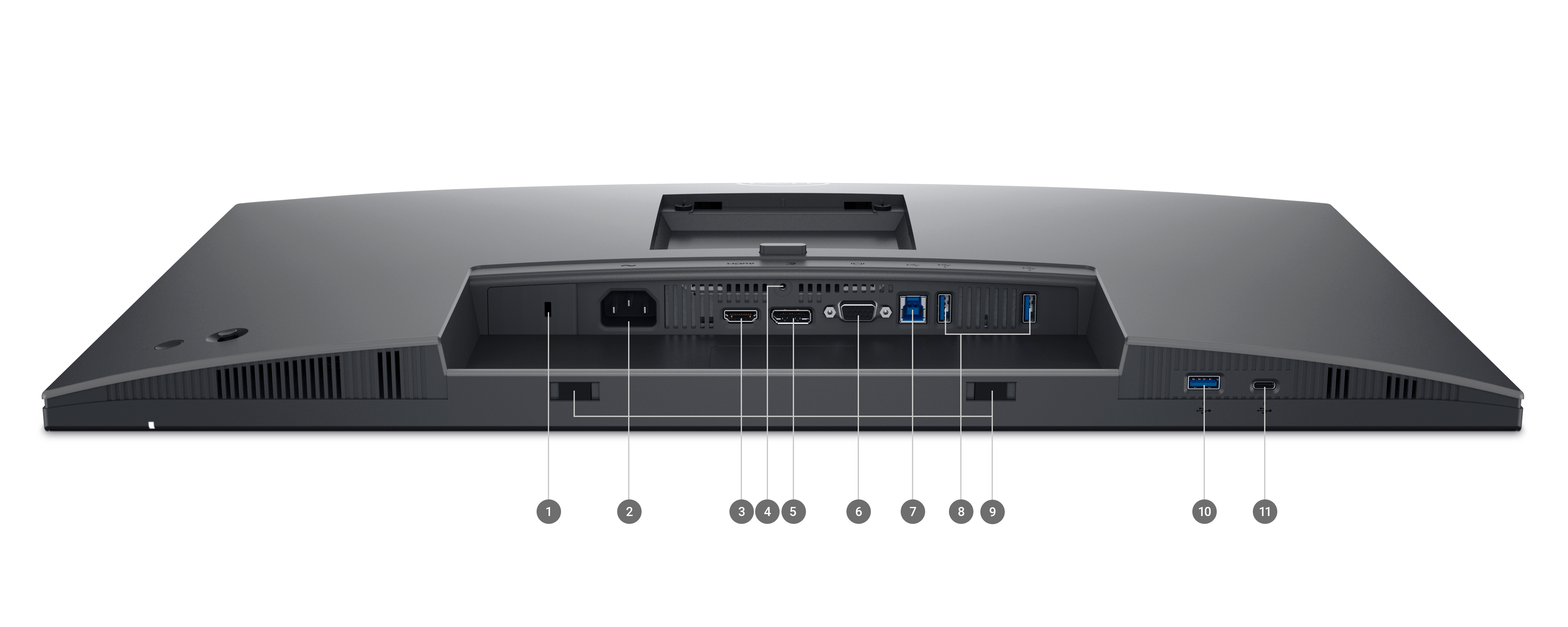
Bottom and rear view
1. Security lock slot (based on Kensington Security Slot™)
2. Power connector
3. HDMI (HDCP 1.4) (Supports up to FHD 1920 x 1080 100Hz TMDS as per specified in HDMI 1.4)
4. Stand lock
1. Security lock slot (based on Kensington Security Slot™)
2. Power connector
3. HDMI (HDCP 1.4) (Supports up to FHD 1920 x 1080 100Hz TMDS as per specified in HDMI 1.4)
4. Stand lock
5. DisplayPort 1.2 (HDCP 1.4)
6. VGA
7. USB 3.2 Gen1 Type-B upstream
8. USB 3.2 Gen1 Type-A downstream ports (2)
9. Soundbar slots (2)
10. USB 3.2 Gen1 Type-A downstream
11. USB 3.2 Gen1 Type-C downstream (PD of up to 15W)
Cables Included
1. Power cord
2. DP–to–DP, 1.8m
3. USB 3.2 Gen1 Type A-to-B upstream, 1.8m
1. Power cord
2. DP–to–DP, 1.8m
3. USB 3.2 Gen1 Type A-to-B upstream, 1.8m
Peace of mind, guaranteed
you can rely on
As the No. 1 monitor company worldwide[13], we take pride in our unyielding commitment to quality and the utmost customer satisfaction.
Premium Panel Exchange
Dell's Premium Panel Exchange (PPE) allows panel replacement on monitors during the Dell Limited Hardware Warranty period even if only one bright pixel is found. PPE is not a standard or up-sell Support Service.Advanced Exchange Support
Your monitor comes with Advanced Exchange Service[14]. If, after remote diagnosis, a monitor replacement becomes necessary, it will be shipped to you the next business day.Upgrade your support